Zero-wait for returning visitors
The stored choice is read synchronously, so tags are released before any request to the consent server.
From the banner your visitors see to the receipts your DPO audits: here is everything ZenoCookieConsent does, and how.
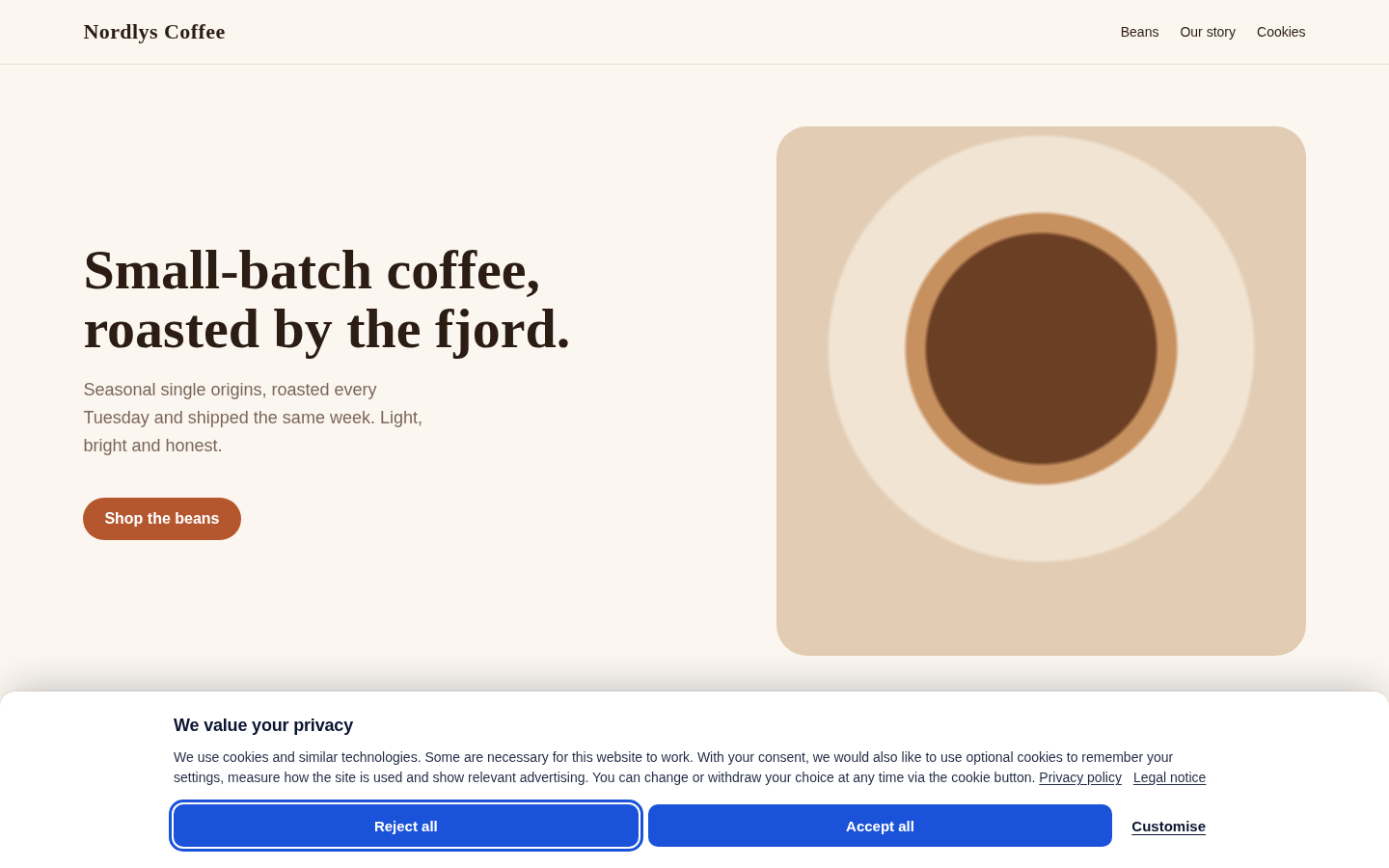
The banner
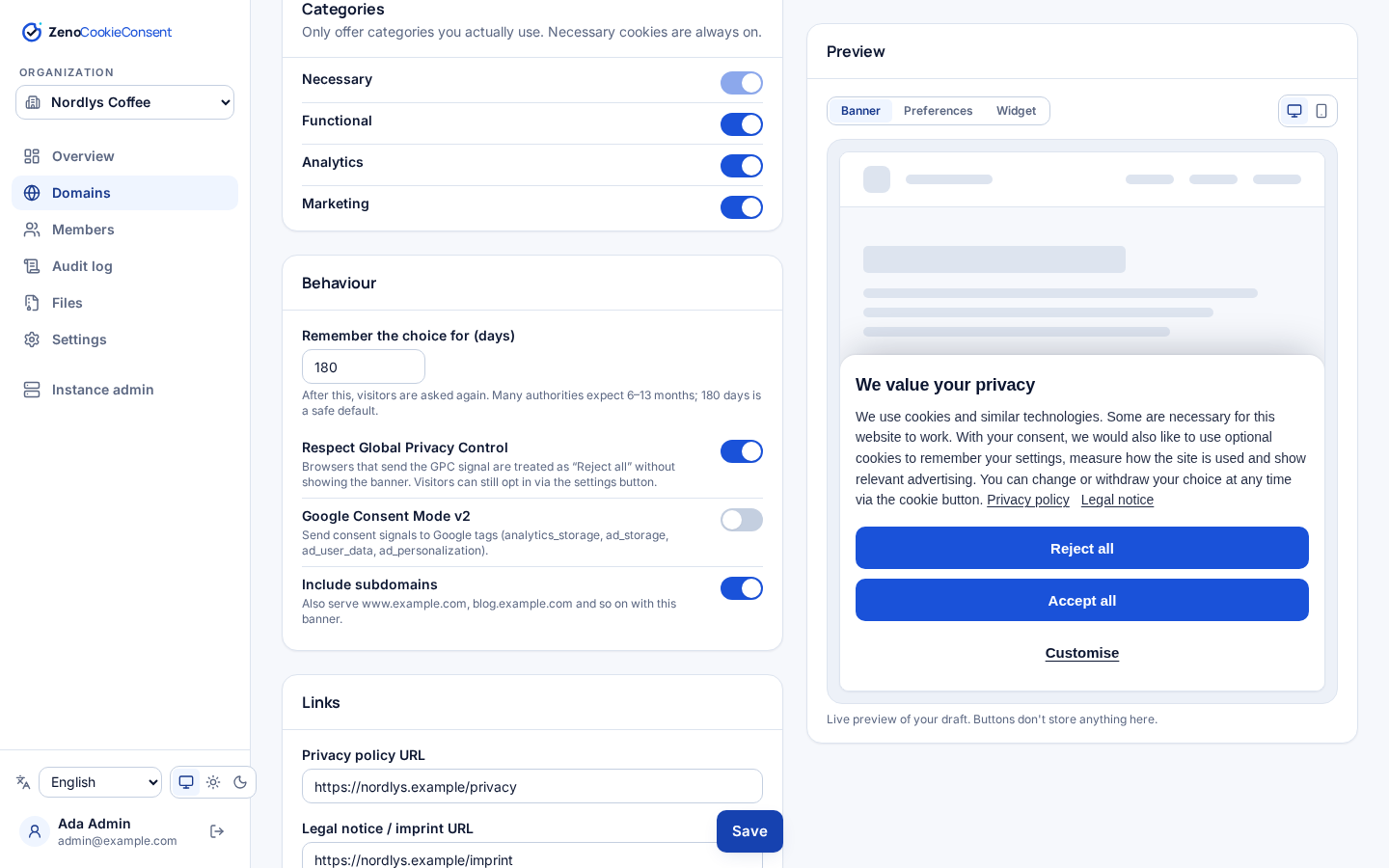
Show the banner as a bottom bar, a top bar or a centred modal, in your own colours. Whatever the layout, “Reject all” and “Accept all” share the exact same style, and the banner lives in a Shadow DOM so your CSS cannot break it and its CSS cannot leak into your site.
Preferences & withdrawal
The second layer lists each category your site actually uses (functional, analytics, marketing) with your own descriptions. Optional categories start switched off: pre-ticked boxes are not valid consent.
Zeno.show() from a “Cookie settings” link in your footer.Choose which cookies we may use. You can change this at any time.
Needed for the site to work.
Remembers your language and region.
Helps us understand how the site is used.
Personalised ads and embedded videos.
Script blocking engine
Change a tag's type to text/plain and add data-zeno. The browser will not run it; ZenoCookieConsent releases it, in document order, the moment its category is granted.
type="module" via data-type.data-zeno="analytics marketing" waits for both.data-gcm and Google tags get “denied” defaults immediately and updates on every choice.<!-- Consent Mode v2 + forced language -->
<script src="https://consent.example.com/zeno.js"
data-gcm data-lang="de"></script>
<script type="text/plain" data-zeno="marketing">
fbq('init', '…');
</script>
<img data-zeno="analytics" alt=""
data-src="https://pixel.example.com/p.gif">
<!-- Auto-filled cookie declaration table -->
<div data-zeno-declaration></div>// Open the preferences panel
Zeno.show();
// { functional, analytics, marketing } or null
const state = Zeno.getConsent();
if (Zeno.hasConsent("analytics")) startStats();
// Now (if a choice exists) and on every change
Zeno.onChange((s) => console.log(s));
// The visitor's receipt id, for support requests
Zeno.receiptId();
document.addEventListener("zeno:consent", (e) => {
console.log(e.detail);
});Proof of consent
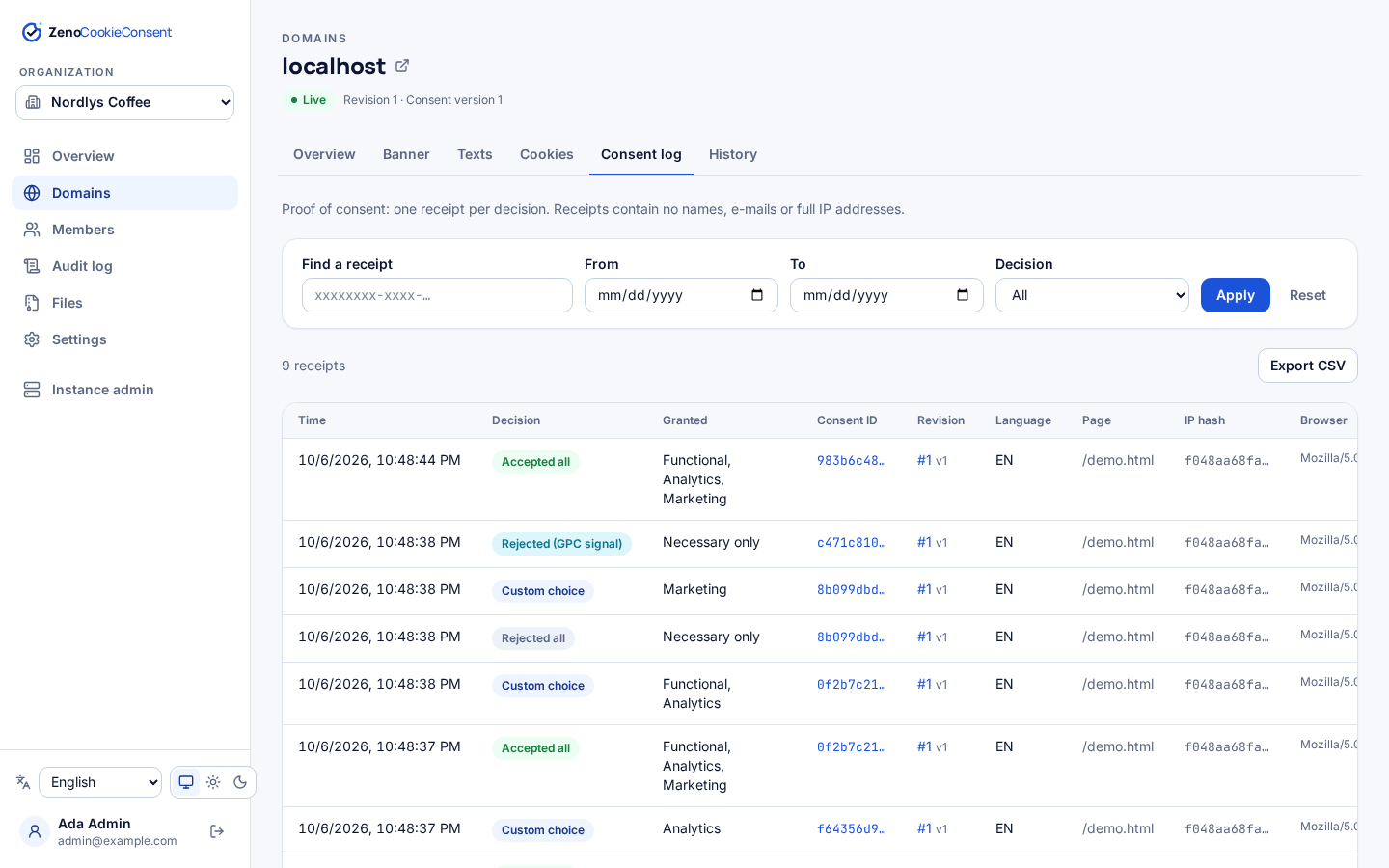
GDPR Article 7(1) says you must be able to demonstrate consent. Every accept, reject and custom choice writes an append-only receipt to your database, validated against the domain's real configuration so the log can never claim consent for a category the site does not offer.
Drafts & revisions
Edit a domain's texts, colours and cookie list as a draft. Publishing freezes everything into an immutable, numbered snapshot. The public API only ever serves the latest one, and every receipt points at the revision it was given against.
Changed what you process? Publish with “require re-consent” to bump the consent version, and returning visitors see the banner again.
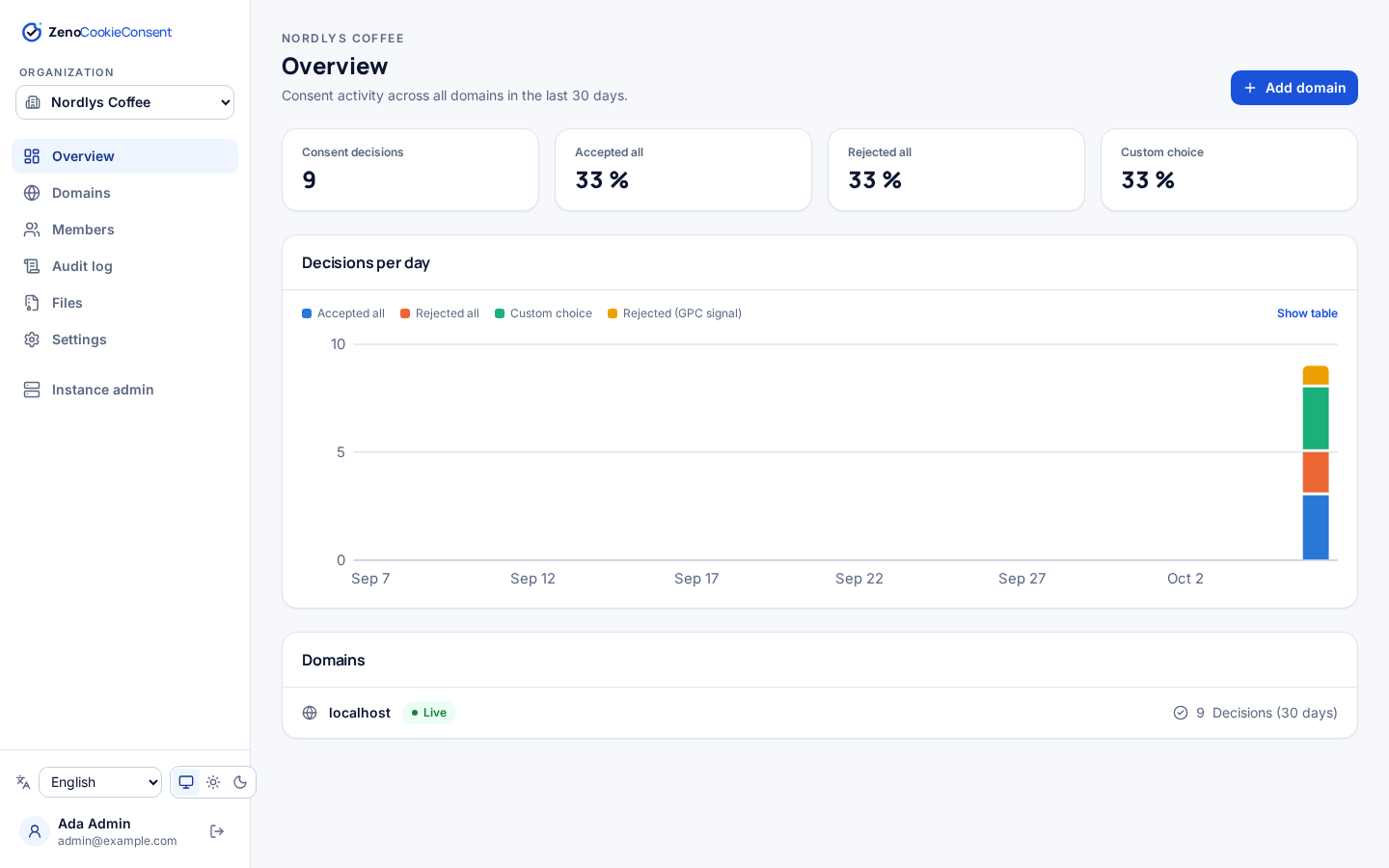
Multi-tenant dashboard
Organizations own domains; people join organizations with a role. An agency runs all its clients from one server, and each client sees only its own sites.
A domain can also cover its subdomains, and an inactive domain is switched off instantly: no config served, no receipts accepted.
| Role | Can |
|---|---|
| Owner | Everything, including deleting the organization |
| Admin | Manage domains and members |
| Member | Edit banner configuration, texts and cookies |
| Viewer | Read-only, for example a DPO auditing consent logs |
Languages
The banner picks the best match from the visitor's browser languages, falling back to the domain's default. Force a language with data-lang. The admin dashboard is translated too.
Norwegian no and nn map to bokmål. Every text is editable per domain and language.
Under the hood
The stored choice is read synchronously, so tags are released before any request to the consent server.
Dashboard texts are inserted as text, never HTML; colours must be plain hex; privacy links must be http(s).
If the config cannot load, nothing extra is released beyond what a valid earlier choice allowed.
zeno_consent, strictly necessary, SameSite=Lax and Secure on HTTPS. That is all it stores.
Real buttons and switches, labelled dialog, focus moved into the banner, visible focus rings, reduced-motion aware.
Drop <div data-zeno-declaration> into your privacy page and the published cookie list renders itself.
Screenshots
Install once, add as many domains as you like.